
Working together
Projects
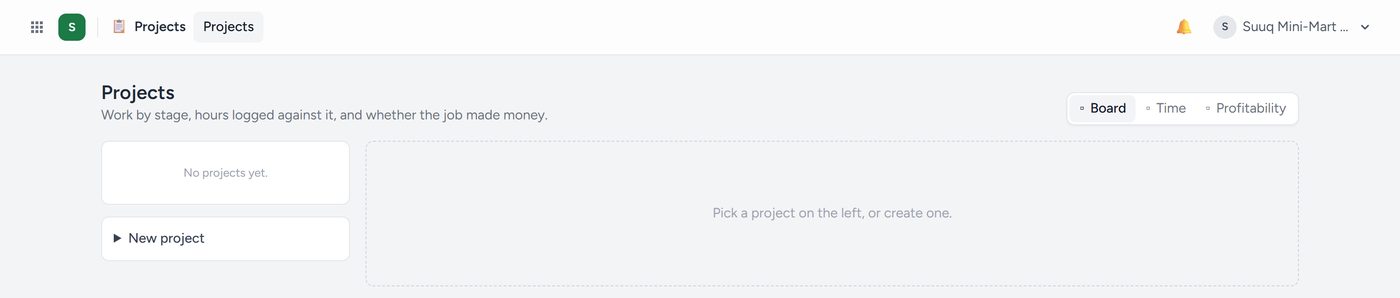
Work with a start, an end and a budget. Tasks, who is doing them, hours logged against them, and whether the project made money.
Projects → Settings sets your way of working: General business, Construction & contracting (with inspection, snagging, claims and a site diary), Professional services or Government contractor (deliverables, submitted, approved). Then rename, add or reorder stages, choose which parts a project shows, and what you call the customer and a paid step.
People. On a project's People tab, add someone to the whole project or one task as Viewer, Commenter, Editor (works tasks, logs time) or Manager (invites people, sees the money). A guest from outside gets a login, emailed and shown once with Send on WhatsApp; they only ever see My tasks and their own work.
A task opens a panel: description, the people on it, tags, subtasks, a checklist, files, comments and Watching.
- Waits for: a task waiting on an unfinished one shows blocked and cannot go to Done.
- Repeats every N days, weeks or months: finishing it makes the next one.
- Show on the client's portal: the client can Sign off or Ask about it.
- @ in a comment (
@Amina) tells that person, in every app.
Seeing the work: drag cards on the Board; List filters and sorts; Calendar shows due days, late in red; Status updates say On track, At risk or Off track; Overview shows projects at risk, late tasks and each person's workload; My tasks groups everything given to you as Overdue, Today, This week and Later. People are told in the bell, by email, or by WhatsApp when connected, when given a task, and when it is due tomorrow or late.