
Stock
Products
Everything you sell or hold lives here. Get this right and the rest of Kaydro works; get it wrong and every report will be wrong in the same way.
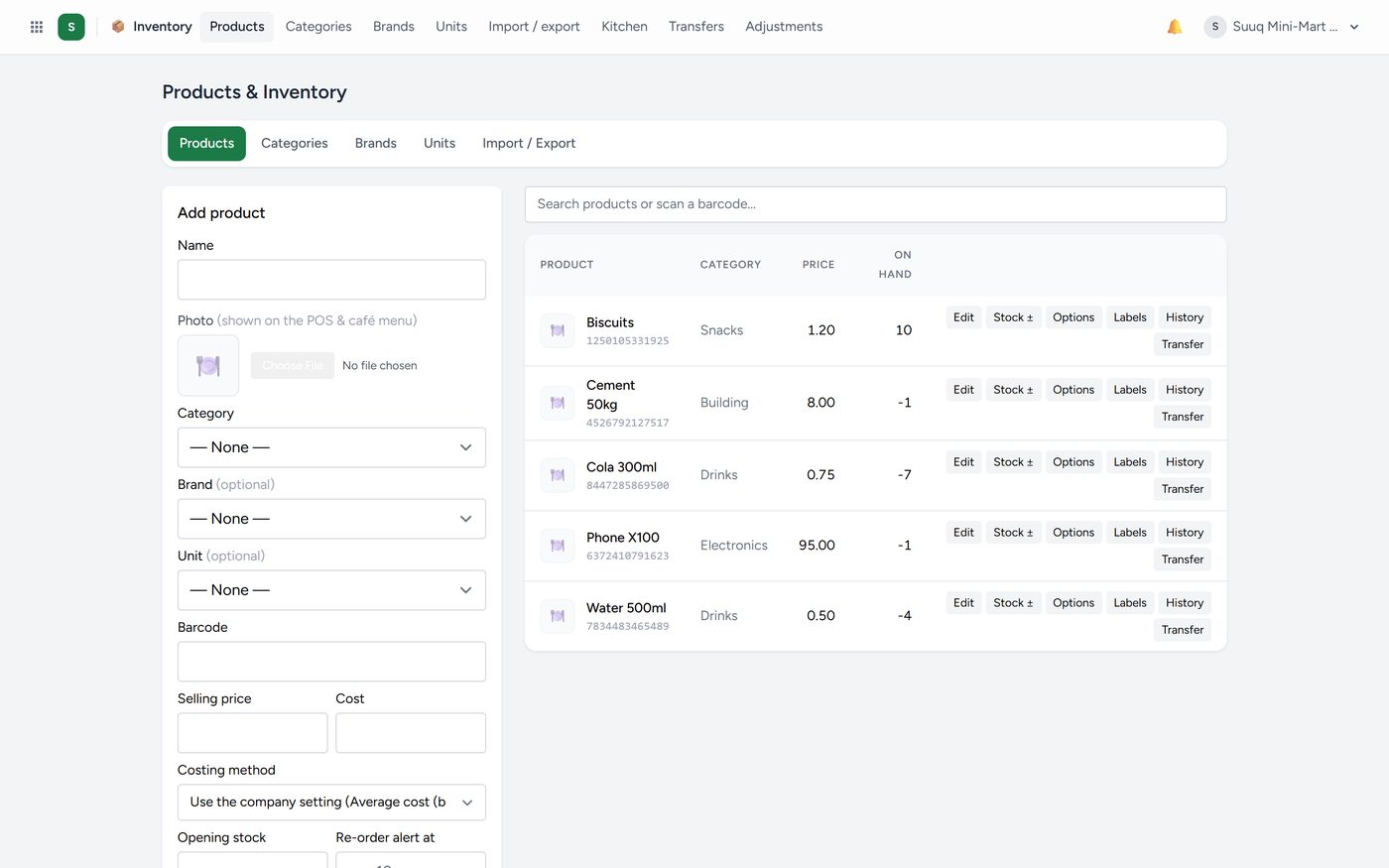
Each product carries a name, a code or barcode, a category, a unit, a cost price and a selling price. On hand is the whole company's stock, with each location under it: "Main Branch 40 · Westlands 0".
To add a product, click Add, fill in the name and prices, and save. The only two fields that really matter on day one are the name and the selling price; everything else can be filled in as you go.
Sizes and colours are for a product that comes in options, such as a dress in S, M and L, in black and navy. Each one has its own stock, price and barcode. See Sizes and colours below.
Batches and expiry matter for pharmacies and food. Record the batch and the expiry date when stock comes in, and Kaydro warns you before it expires and sells the oldest batch first.
Cost and true profit. If you may see costs, a product shows its landed cost, running costs, true profit and a coloured label. Minimum price is the lowest the till may go without approval. See True cost and margins under Money.
To stop selling something, click Disable on its row (owner or manager). It leaves the till, sales, purchases and every picker, and its history stays. To disable many, search or pick a category and use disable these. The Disabled tab has Switch back on.
Categories, brands and units
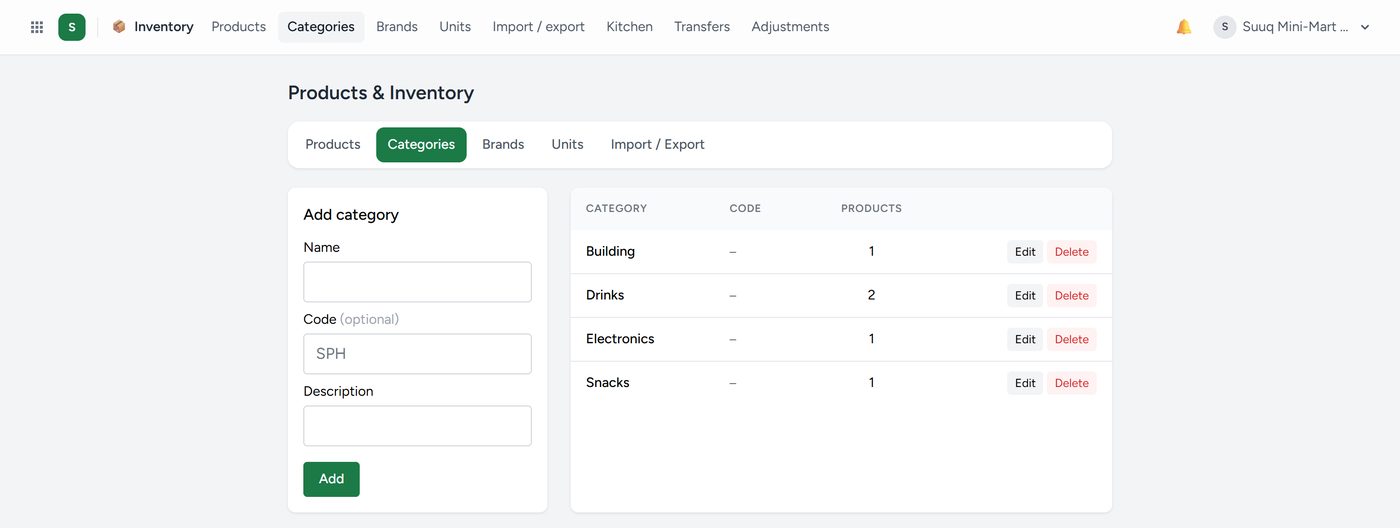
Categories group products for reporting: you want to know which category is making money, not just which item. A category can have sub-categories, such as Women's wear → Dresses; pickers show the full name so two of the same name are told apart.
Every trade that sells products has a ready-made list with codes and sub-categories, loaded at sign-up. An older company opens Categories → Ready-made categories, ticks what it sells and clicks Load the ticked categories; only what is missing is added. Import categories takes a sheet with Category, Code and Sub-category, one row per sub-category.
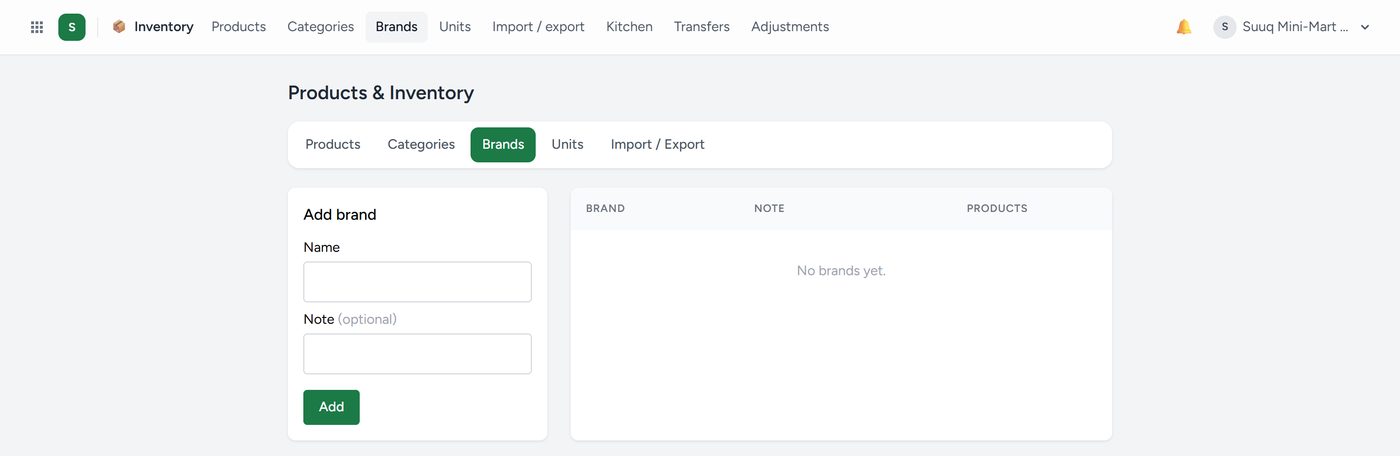
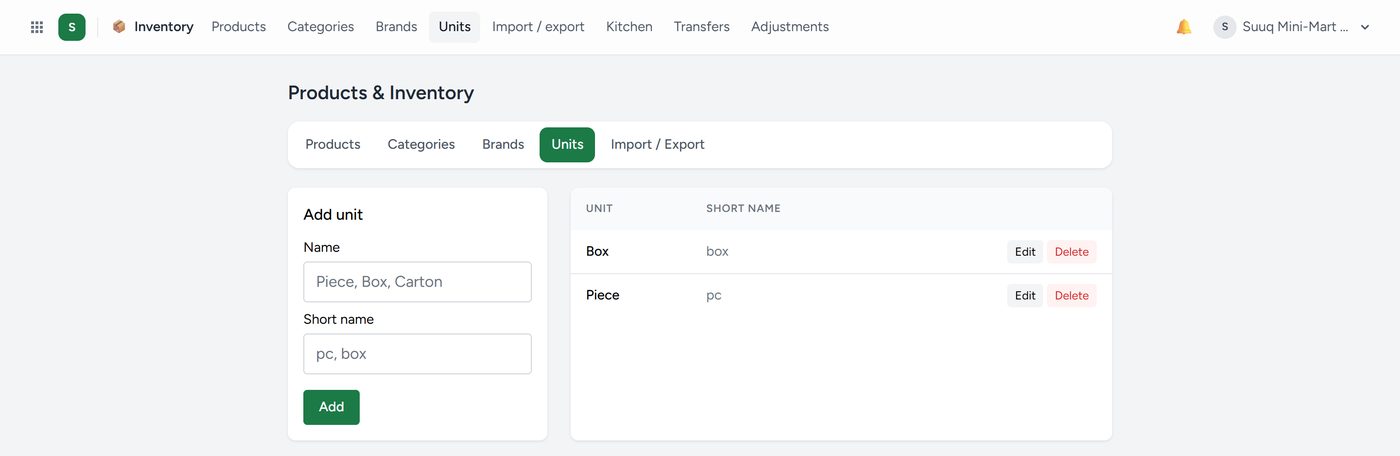
Units are how you count a thing: piece, box, kg, litre, carton. If you buy in cartons and sell in pieces, set that up here once and Kaydro converts for you.
Bringing in a product list
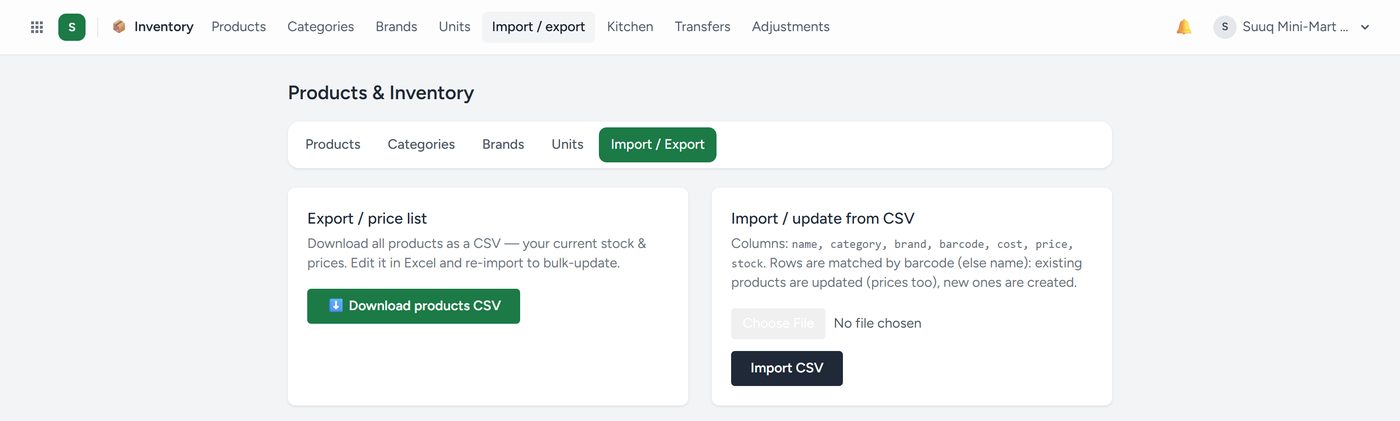
If you already have your products in a spreadsheet, do not type them again. Download the template, paste your data into the columns as they are laid out, and upload it. Kaydro shows you what it read before anything is saved. Check that preview carefully — it is the cheapest moment to catch a mistake.
The template has Sub-category beside Category, and a shop with sizes has Size and Colour columns: one row per size and colour. A Shopify product export goes in as it is. Uploading the same file again updates prices and barcodes and never adds opening stock twice.