
The day-to-day: taking money
Sales — the back office
The till is for the counter. Sales is for everything else: invoices you prepare in advance, quotations, orders that will be delivered later, and the record of everything sold.
Each app's dashboard
Sales, Purchases, Inventory, Expenses and CRM open on the Overview tab, which is a dashboard. Accounting opens on its own Dashboard. Each one has the same parts:
- Four figures at the top, such as sales this month, what customers owe, the average sale and new customers. Each figure is compared with the same days of last month: on the 12th, it is compared with 1–12 of last month. Green is good news, red is bad.
- The month by day. Each bar is one day; today is amber. Click a bar to see that day's invoices, purchases or expenses.
- Needs you. What is still waiting: overdue invoices, quotes to send, orders to deliver, bills to pay, items running low, things to approve.
- The month's top ten, for example the best-selling products with their margin and what is left in stock.
Every figure, bar and line opens the list behind it. At the top, ‹ › changes the month, All branches picks one branch, and Export downloads the month as a spreadsheet.
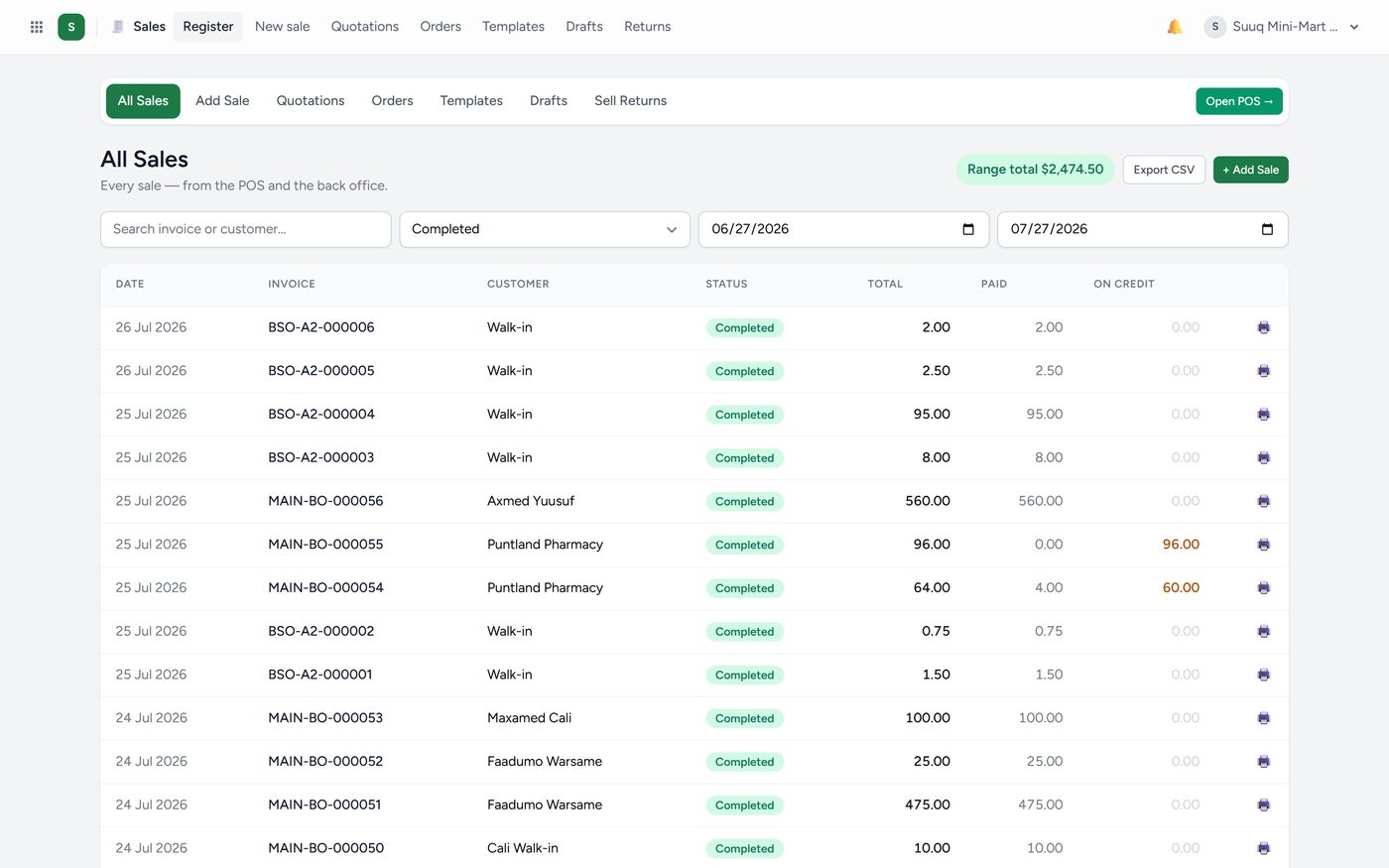
The register lists every sale with its date, customer, total, what has been paid and what is still owed. Use the filters at the top to narrow by date, customer, branch or salesperson. Export CSV downloads exactly what you are looking at, for a spreadsheet.
Click any row to open the sale in full: the lines, the payments, and the buttons to print or send it.
Writing a sale by hand
Use this when you are invoicing a business customer rather than serving somebody at a counter.
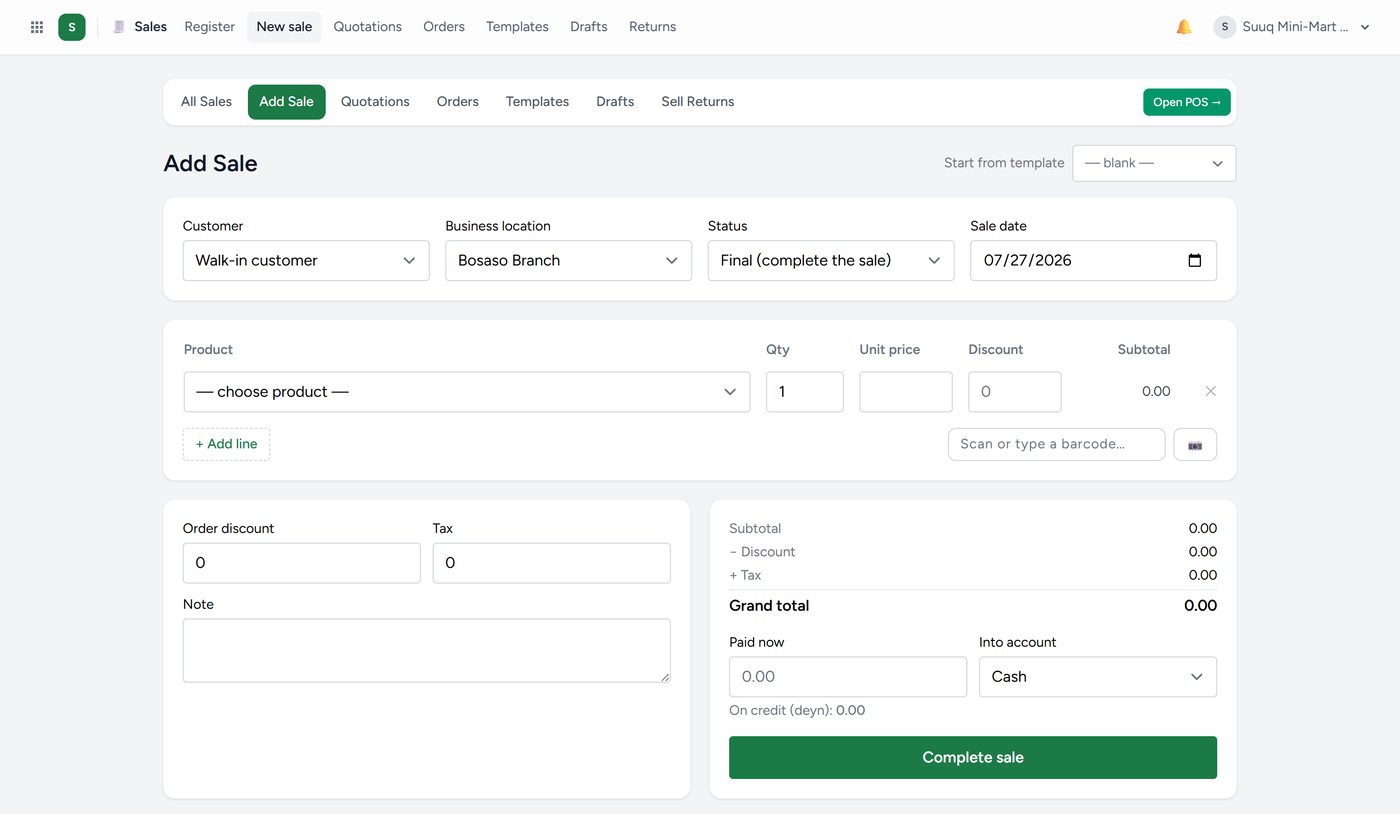
- Choose the customer.
- Add each product, with quantity and price. The price fills in automatically, and you can change it if you are allowed to.
- Set a discount or tax if they apply.
- Choose what this document is:
- Final — a real sale. Stock moves, money is owed, it hits the books.
- Draft — not finished. Nothing moves until you make it final.
- Quotation — a price offered to a customer. Nothing moves at all.
- Save.
Quotations
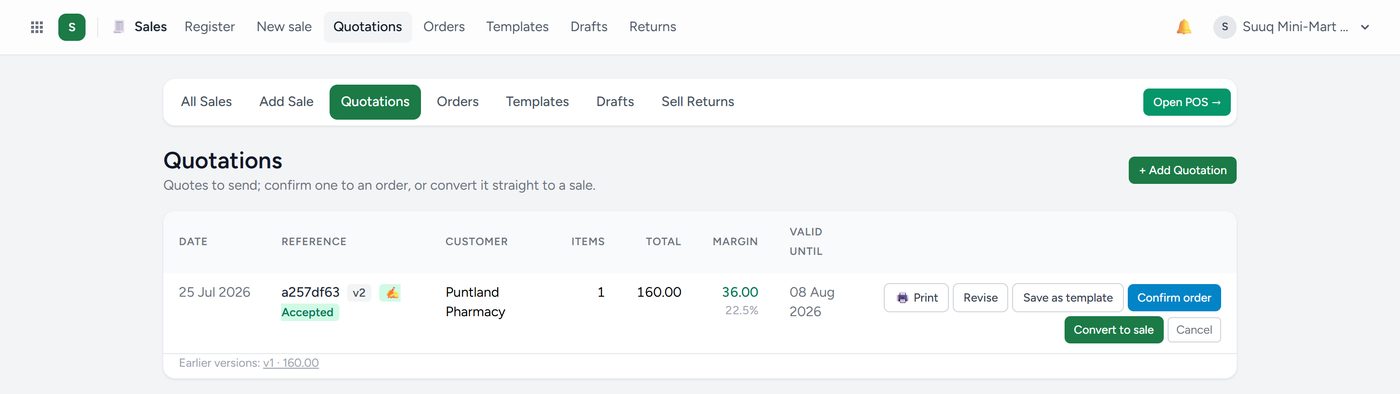
A quotation is a promise of a price, not a sale. Nothing leaves the stock room and nothing is owed. Send it to the customer, and if they accept it, convert it to a sale with one button — you never re-type the lines.
Quotations can be revised, so you keep a history of what you offered and when. Templates save a set of lines you quote often.
Orders and deliveries
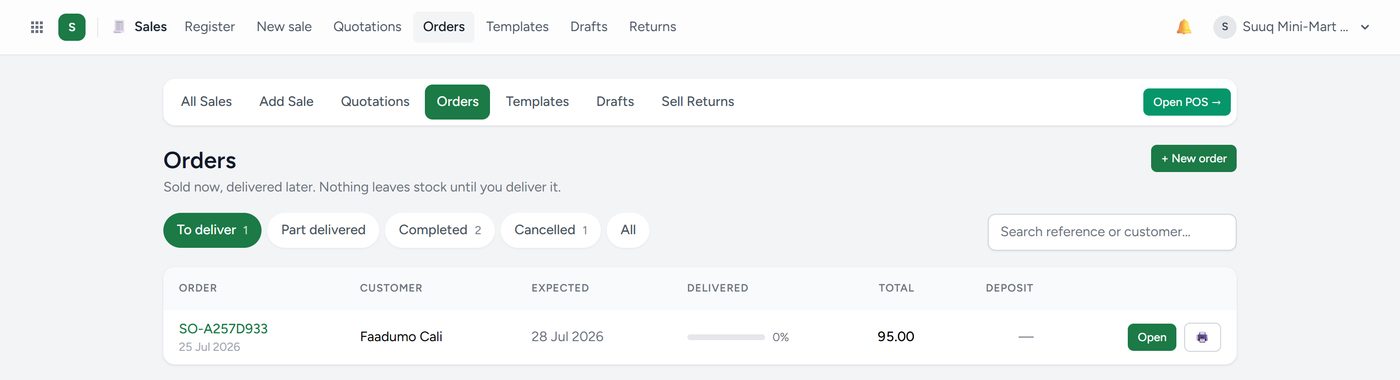
An order is a sale that has been agreed but not yet handed over. Kaydro reserves the stock so nobody else sells it, and you deliver it later — in full or in parts. What is left becomes a backorder.
Use orders when you take a deposit, when goods are coming from a supplier, or when delivery is on a different day from the agreement.
Drafts
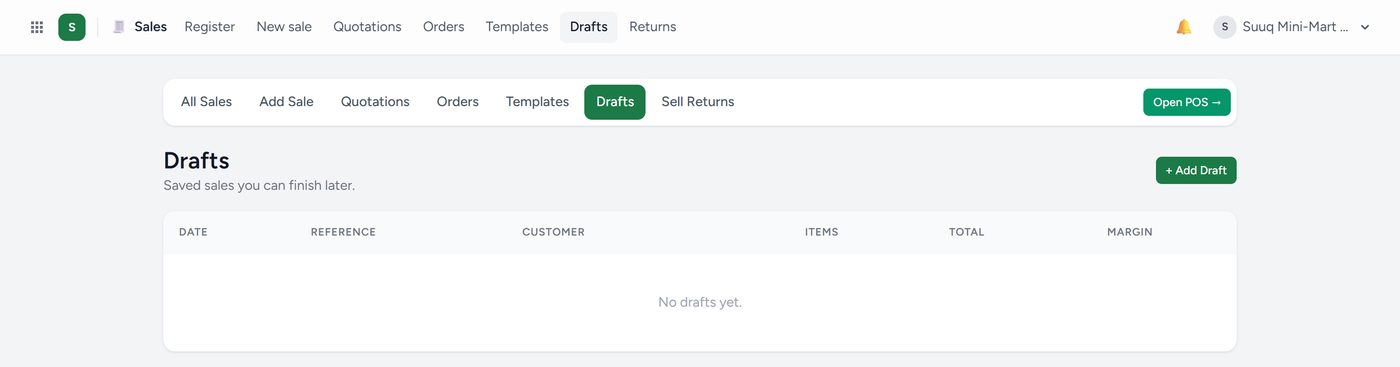
Anything you started and did not finish waits here. Nothing in Drafts affects stock or money.
Returns
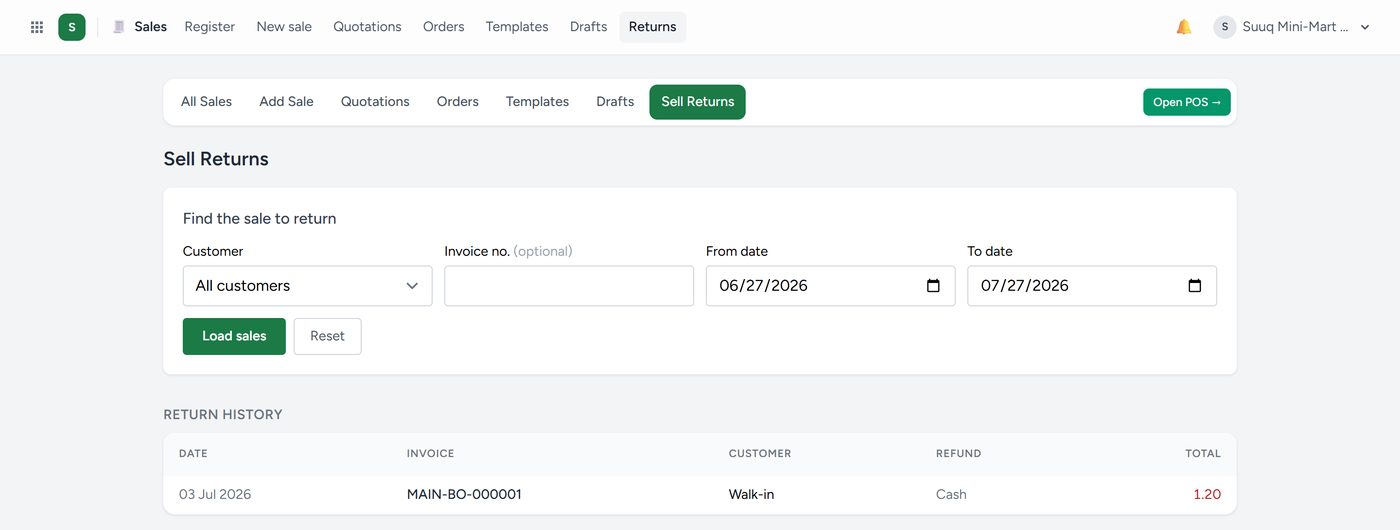
A customer bringing goods back. Find the original sale, tick the lines coming back, and Kaydro handles the rest: stock goes up, money goes out or a credit is recorded, and both documents stay linked so the history is honest.
Kaydro never quietly edits a finished sale. A mistake is corrected with a return or a reversal that anyone can see. This is what makes the books trustworthy — and it is also why you should take a moment before pressing the payment button.