
The people you deal with
Contacts, customers and suppliers
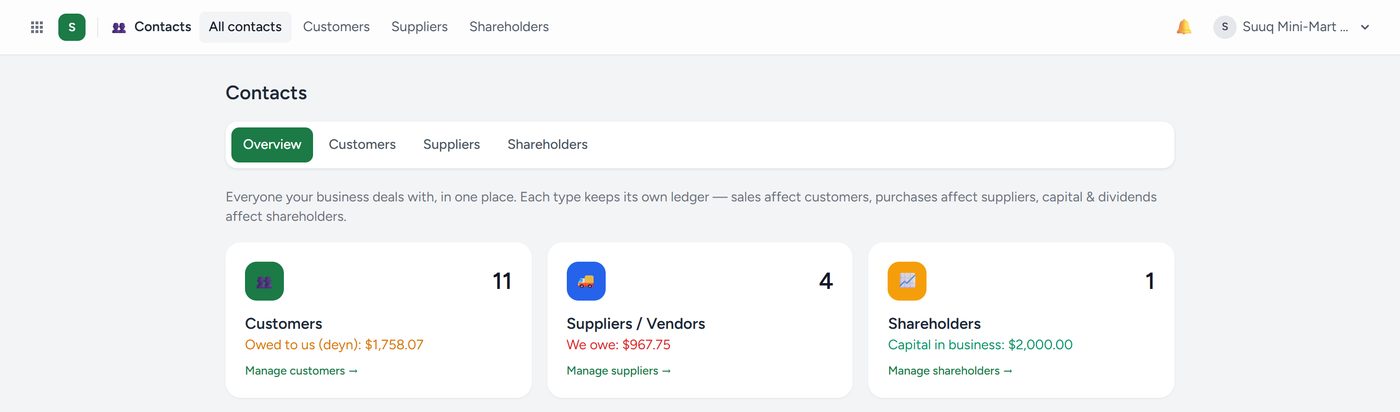
Contacts is the single book of everyone your business deals with. It splits into two views you will use more often:
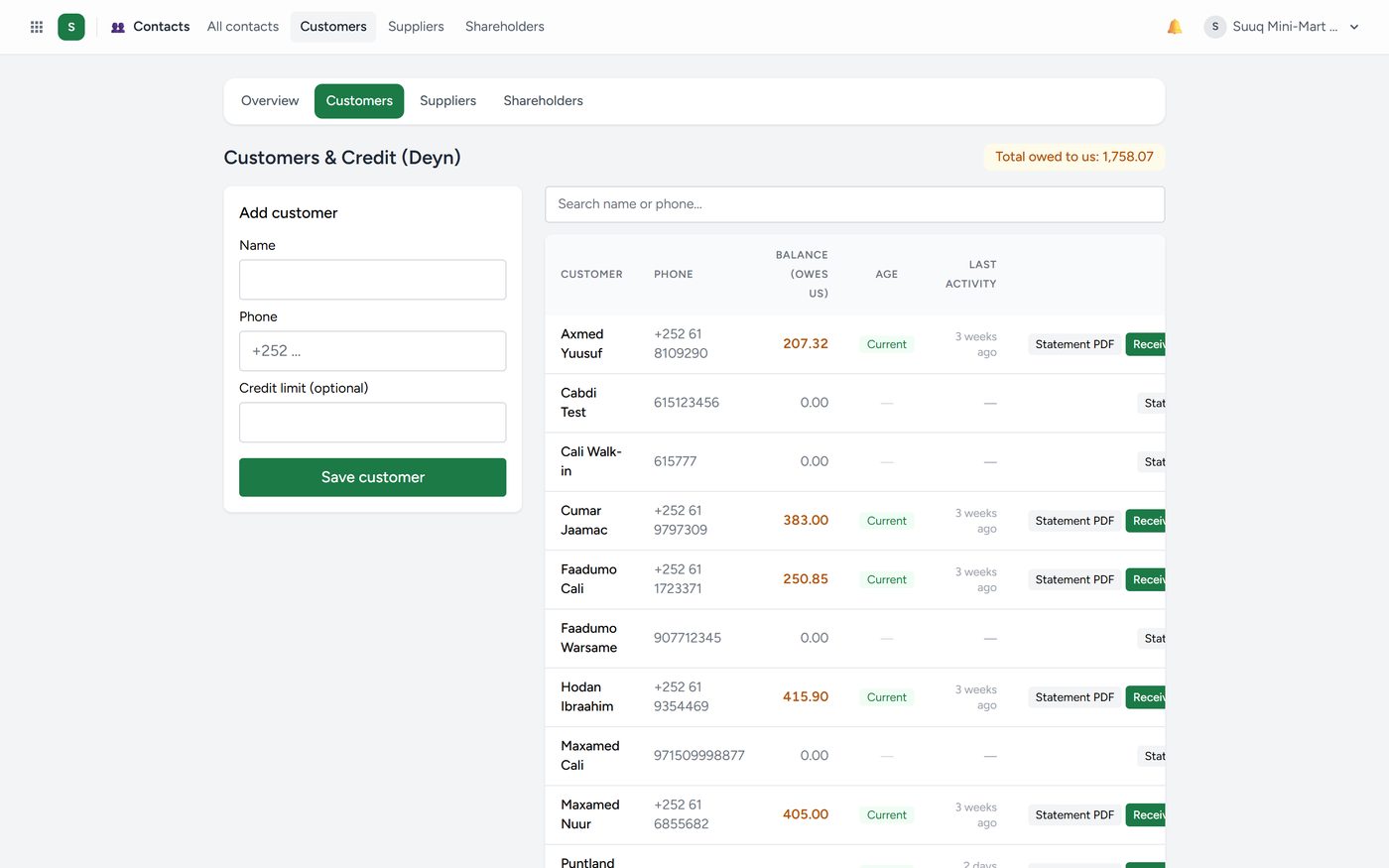
Customers — everyone who buys from you. Open one to see everything they have ever bought, what they owe, and when they last paid. The WhatsApp button on a customer opens a chat with them, with the number already correct.
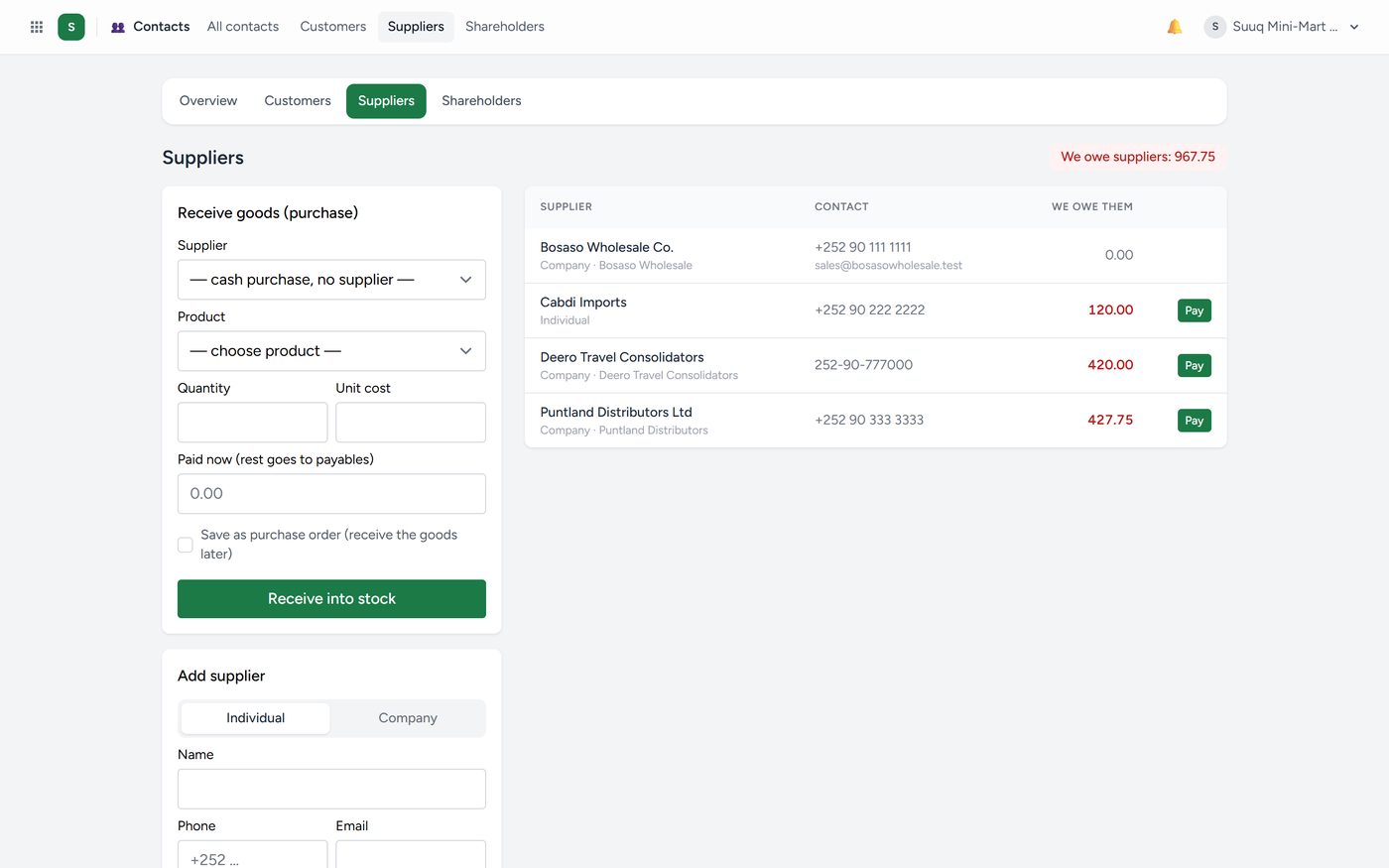
Suppliers — everyone you buy from, with the same history in reverse: what you bought, what you owe, what you have paid.
Click any customer, supplier or shareholder to open their record: photo or logo, phones (with WhatsApp), email, website, address, tax and ID numbers, notes, and the figures as buttons (what they owe or are owed, sales, purchases, payments) with their latest history. Edit to change or add what is missing, then Save. An employee's row opens their HR profile.
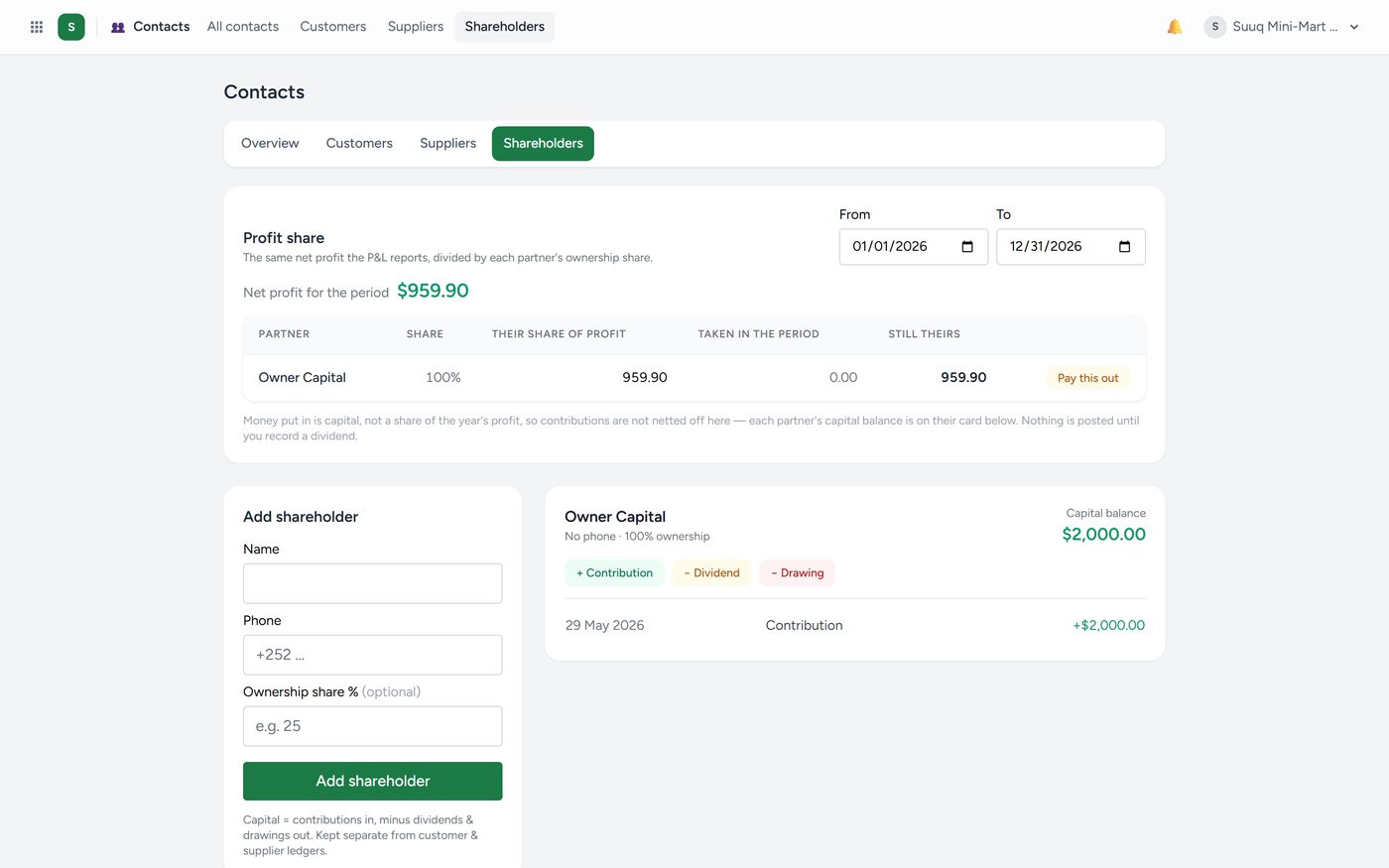
Shareholders records who owns what share of the business, and turns that percentage into a real split of the profit when you distribute it.