
Schools
Exams and report cards
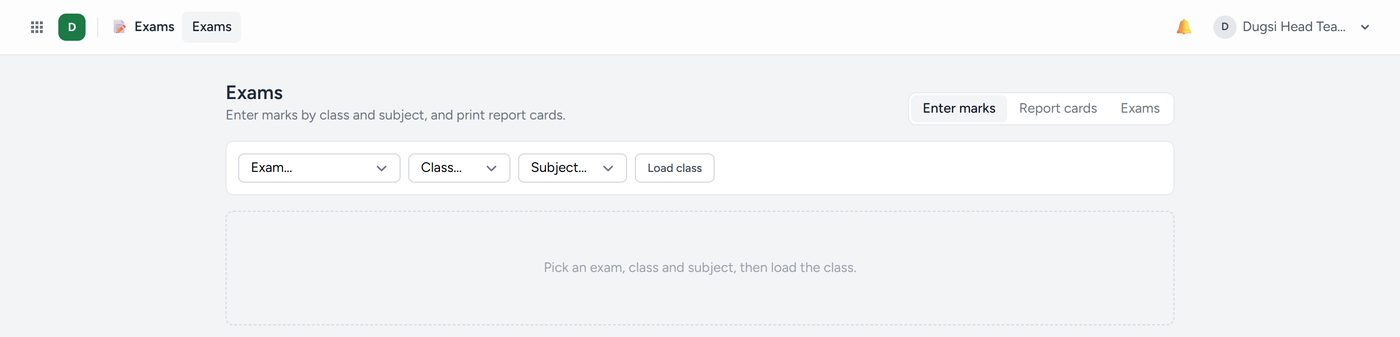
Everything is under Exams → Marks & reports.
To set up an exam: add it on the Exams tab. A type brings its usual weight: quizzes 10, assignments 10, mid-term 30, final 50. Under Grades set your own bands (From, To, Grade, Remark) and pass mark; every percent must fall in exactly one band.
To enter marks:
- Choose the exam, the class and the subject. Only the subjects the class is taught are offered.
- The sheet says in large letters which paper it is, who teaches it and how many are entered.
- Type each mark, between 0 and the paper's total. A mark out of range is sent back and nothing on the sheet is saved. Emptying a box takes the mark away.
Or download the Mark sheet to Excel, every subject a column, fill it in and bring it back. Blank cells are left alone, and marks out of range are named and left out.
An Attendance paper fills its marks from the attendance records with Fill from the registers.
- Report cards: one paper or the whole term, for one student or the class. The term mark is the papers by their weight; a paper a student missed is left out, never scored nought. Equal marks share a place (1, 2, 2, 4).
- Results: pass rate and average, each subject, the classes side by side, everybody ranked.
- Student records: every mark a student has, by subject and term.
Parents see a result only once it is published. Press Publish on the Exams tab when the marks are checked. A paper's total cannot change once it has marks.