
Working together
Helpdesk and tickets
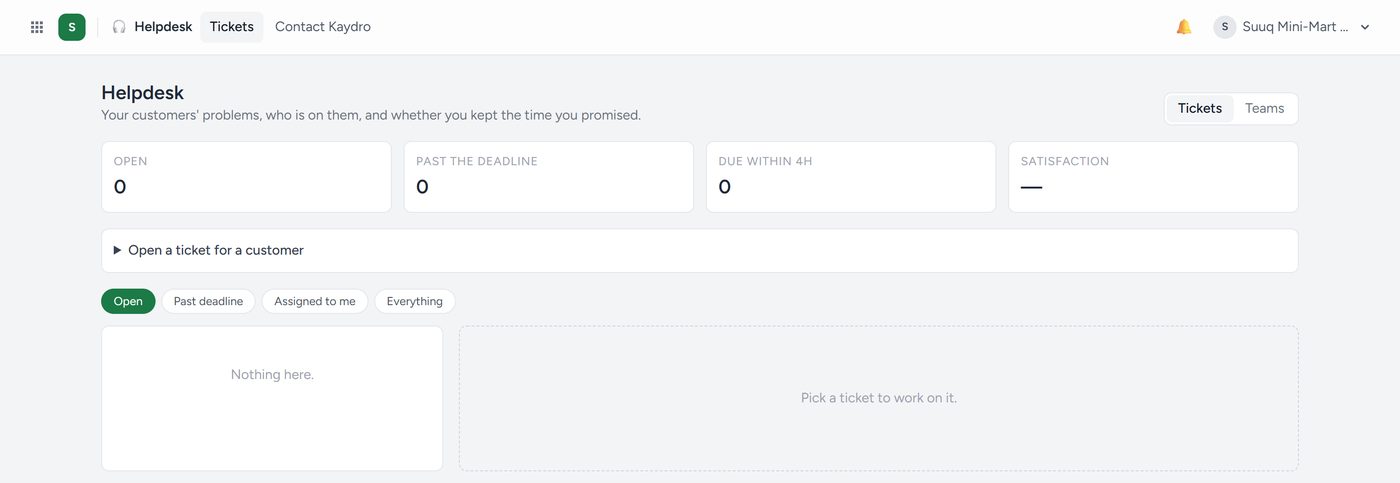
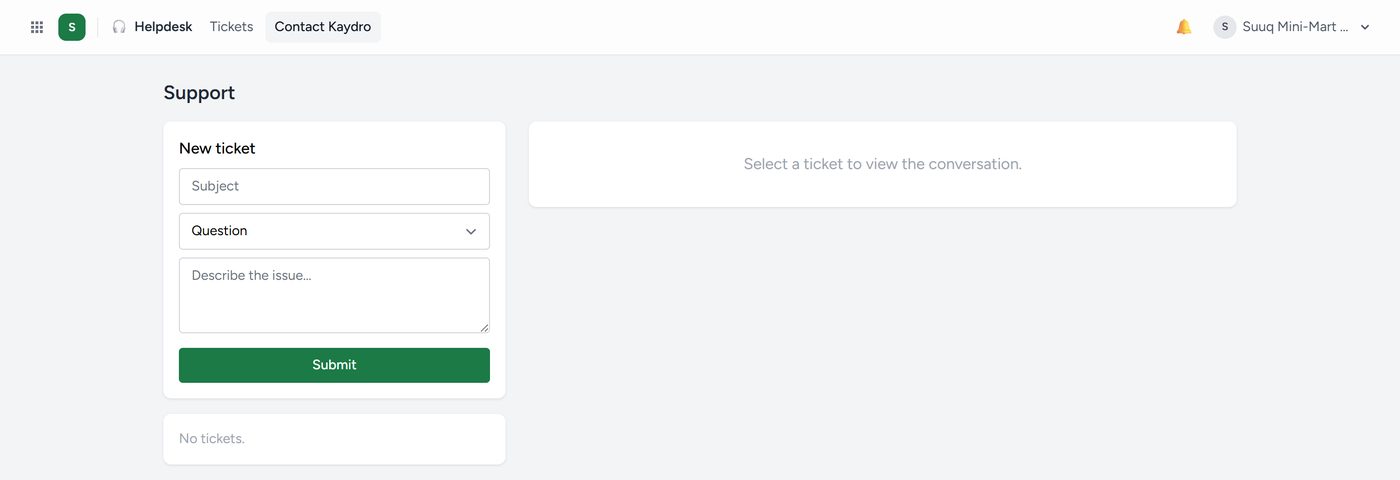
Customer problems, tracked to a conclusion instead of remembered. A ticket has an owner, a status and a history, so nothing falls between two people who each thought the other had it.
Tickets come in from your public Get help form (its link is on the Helpdesk screen; put it on receipts and WhatsApp), from email (your own mailbox, or the Kaydro address the Helpdesk screen gives you), from the customer's portal, and from the team. Each has a number, HD-0001. One the customer wrote on since you looked is bold with a blue dot.
Answering. The customer gets your reply by email and WhatsApp, with a link to answer. Tick
Internal note for something only the team sees. Attach files, Put in a saved reply…
({customer} becomes their name), Link a help article…, or click → task to make it a
project task.
Promises. Under Teams → Rules, set resolve within hours per priority, your working hours, and who takes the next ticket (in turn, or fewest open). While Waiting on customer the clock stops. A ticket past its promise goes up one priority, and its person and the owner are told.
Seeing it all: the Board (drag between Open, In progress, Waiting on customer, Resolved), Search, Tickets on a customer's file, and Reports (first reply, resolution, promises kept, rating, by team and person). Under Help articles, write each answer once; your public help page lists them, and the Get help form suggests them as customers type.