
Before you begin
Finding your way around
Every screen in Kaydro has the same frame around it. Learn it once and you can find anything.
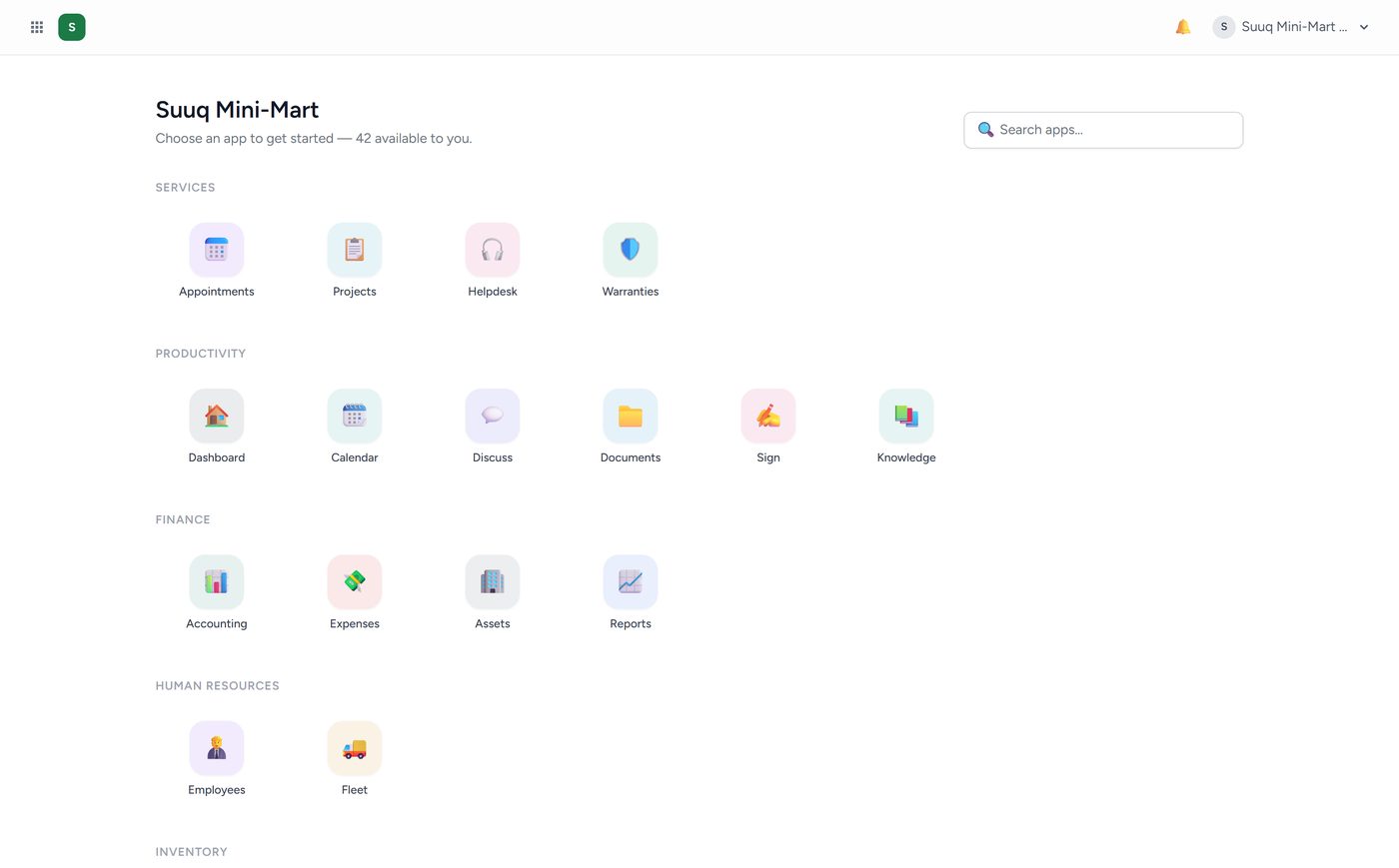
The grid button, top left. This is the app launcher, and it is the way home. Click it from anywhere to see every app your business has switched on, grouped by what they are for. The search box at the top right of the launcher finds an app by name — often faster than looking for the icon.
The coloured square next to it is your business badge. Clicking it also returns you to the launcher.
The app name and its menu run along the top of the screen once you are inside an app. A big app like Sales or Track has several screens, and they appear here as tabs. This is the only navigation inside an app.
The bell shows notifications: stock running low, a subscription about to expire, a batch of medicine near its expiry date.
Your name, top right. Your profile, your password, two-factor security, and Log out. If you belong to more than one company, the company switcher is here too.