
Before you begin
Apps, and why some are missing
The launcher only shows apps your business actually has. An app can be missing for one of two reasons:
- Your plan does not include it. Kaydro will tell you which plan does, and what it costs.
- Nobody has switched it on yet. Someone with the right permission can turn it on in Settings → Apps, and it appears immediately. No waiting, no installation, no phone call.
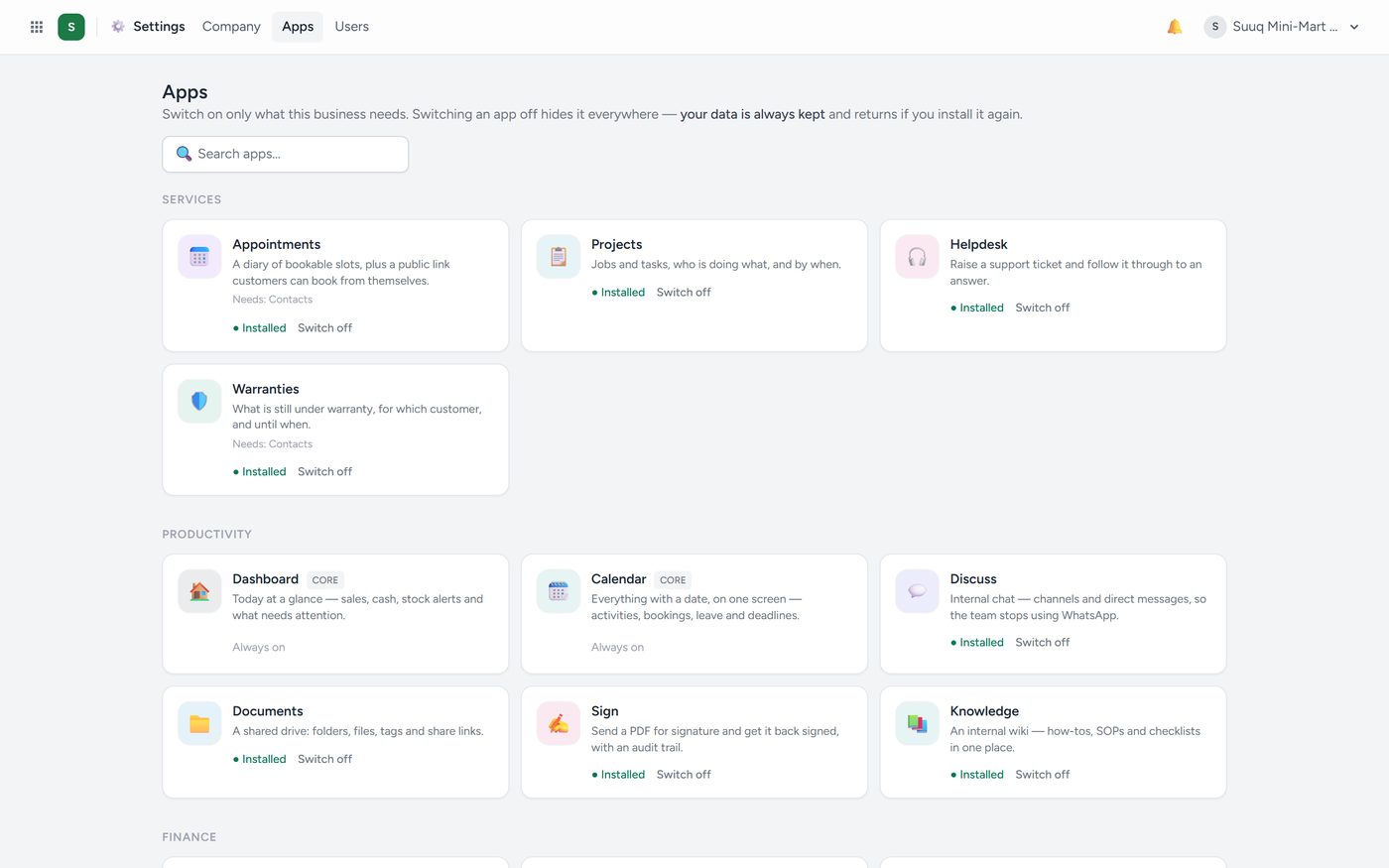
Switching an app off does not delete anything. The data stays exactly where it is; the app simply disappears from the launcher. You can always switch back on an app your company switched off itself. An app Kaydro switched off stays off until Kaydro puts it back.
Need one app, not a bigger plan? A locked app in Settings → Apps shows the plan that includes it and Request this app. Click it and it says Asked — we will call you. Kaydro calls, agrees the price and switches the app on; your plan stays as it is, and nothing is charged automatically.
Plans go by size, not by trade. A one-counter restaurant, café, pharmacy, hardware store or phone shop can start on Starter, which carries one trade app. A school, clinic or hospital starts on Growth. Haulage, cargo, transport, travel, wholesale, car dealers and fuel stations start on Pro, and a hotel on Business.