
Settings
Settings
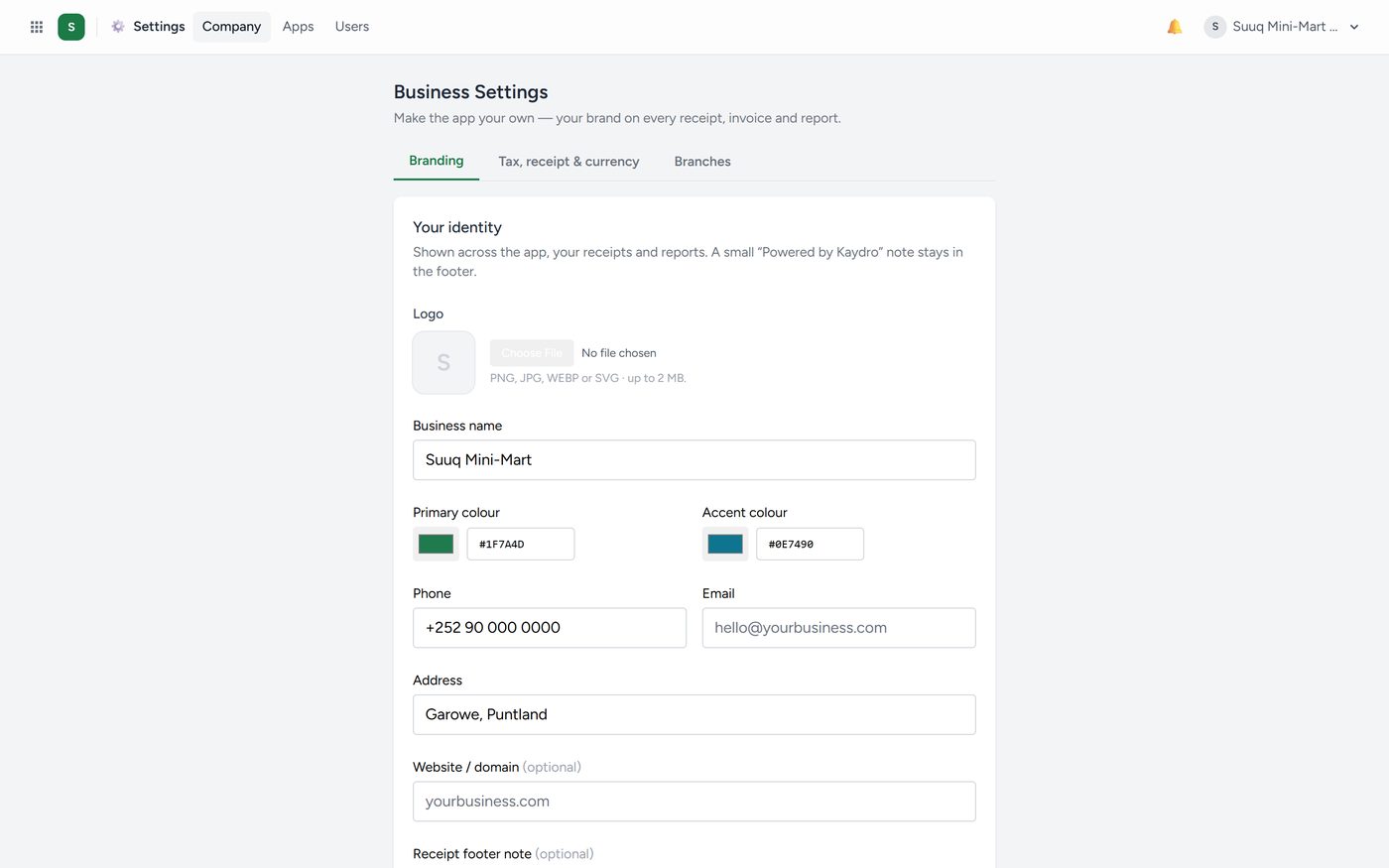
Your business's own configuration.
Business details — name, address, phone, tax number. These appear on your receipts and reports.
Branding — your logo and colours. Upload a logo here and it appears everywhere immediately, including on printed receipts.
Branches — each shop, depot or clinic you run.
Apps — switch apps on and off, as described at the start of this manual.
Staff — logins, roles and PINs.
Accounting settings — financial year, lock date, default taxes, currency.
Branding is worth ten minutes on day one. A receipt with your logo on it is the difference between looking like a business and looking like somebody testing software.
- More under Settings
- Finding a setting by name
- The language your staff work in
- The Android app
- The Kaydro Terminal handheld
- SMS from your company